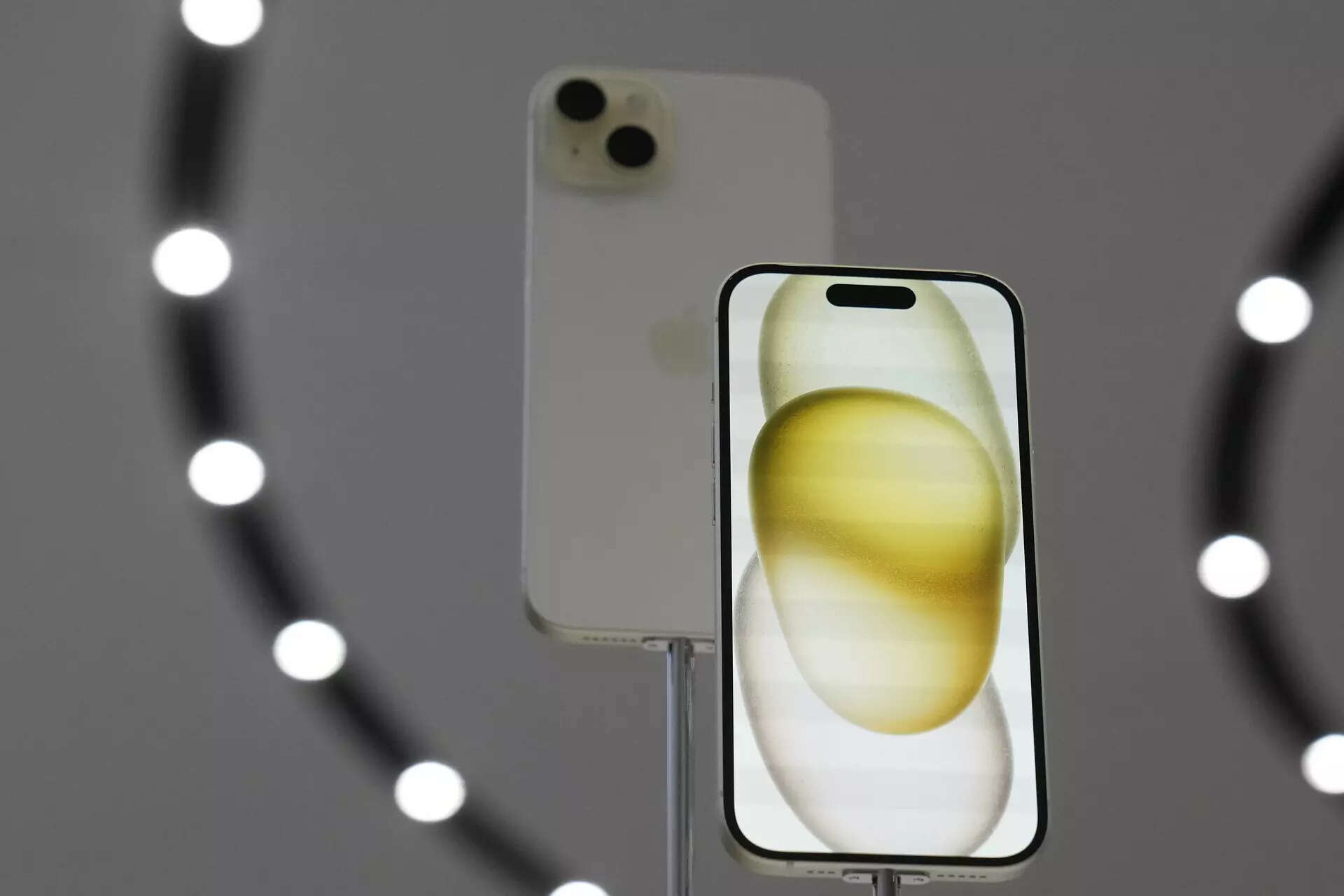
How to scan printed or handwritten notes on iPhone's Notes app
How to scan printed or handwritten notes on iPhone's Notes app
Apple's Notes app now includes a scanning feature that utilizes the iPhone's advanced camera capabilities to capture high-quality images of both printed and handwritten notes. This feature supports multiple pages, allowing users to scan entire documents or a series of handwritten pages in one go. The app intelligently organizes the scanned pages into a cohesive digital document that mirrors the structure of the original notes. The scanned notes are automatically saved in the user's secure iCloud account and synchronized across all Apple devices. Tips for optimal scanning include ensuring good lighting, positioning the iPhone at a right angle to the document or notes, and using clear and legible handwriting for handwritten notes.
Apple's Notes app now includes a scanning feature that utilizes the iPhone's advanced camera capabilities to capture high-quality images of both printed and handwritten notes. This feature supports multiple pages, allowing users to scan entire documents or a series of handwritten pages in one go. The app intelligently organizes the scanned pages into a cohesive digital document that mirrors the structure of the original notes. The scanned notes are automatically saved in the user's secure iCloud account and synchronized across all Apple devices. Tips for optimal scanning include ensuring good lighting, positioning the iPhone at a right angle to the document or notes, and using clear and legible handwriting for handwritten notes.
We use cookies to improve your experience on our site and to show you relevant advertising. To find out more, read our updated privacy policy and cookie policy

 Through RSS Feeds
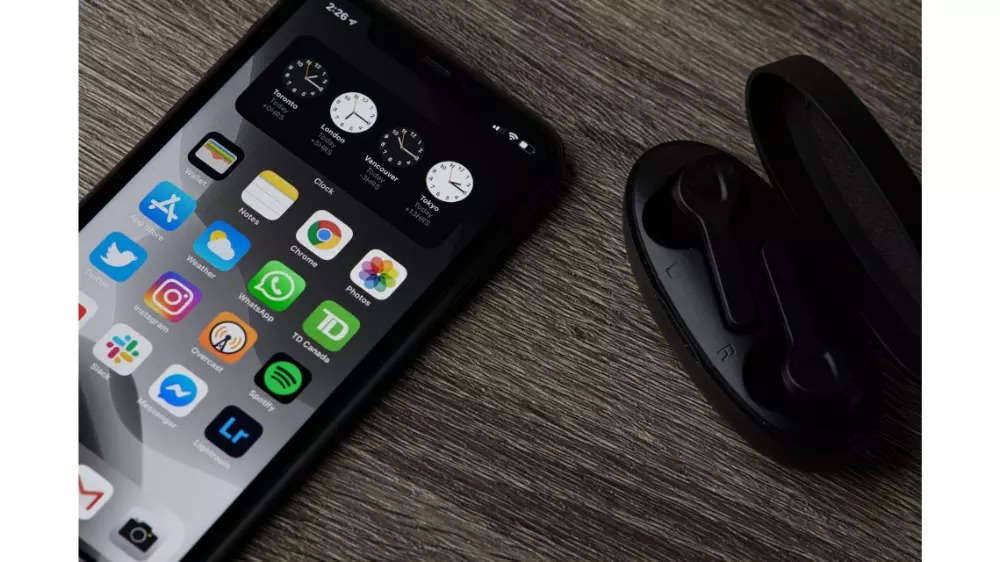
 Apple's Notes app now includes a scanning feature that utilizes the iPhone's advanced camera capabilities to capture high-quality images of both printed and handwritten notes. This feature supports multiple pages, allowing users to scan entire documents or a series of handwritten pages in one go. The app intelligently organizes the scanned pages into a cohesive digital document that mirrors the structure of the original notes. The scanned notes are automatically saved in the user's secure iCloud account and synchronized across all Apple devices. Tips for optimal scanning include ensuring good lighting, positioning the iPhone at a right angle to the document or notes, and using clear and legible handwriting for handwritten notes.