CBSE Class X, XII board exams: How to download previous year question papers
CBSE Class X, XII board exams: How to download previous year question papers
To download the previous year's question papers for Class X and XII board exams, visit the CBSE Academic website and go to the 'Sample Question Paper' tab. Choose the academic year and select the class (X or XII) for which you want question papers. Then, view the subjects available for the chosen class and click on the download button associated with the subject you need. The question papers are typically available in PDF format, so make sure you have a PDF reader like Adobe, Chrome, or Edge to open the files.
To download the previous year's question papers for Class X and XII board exams, visit the CBSE Academic website and go to the 'Sample Question Paper' tab. Choose the academic year and select the class (X or XII) for which you want question papers. Then, view the subjects available for the chosen class and click on the download button associated with the subject you need. The question papers are typically available in PDF format, so make sure you have a PDF reader like Adobe, Chrome, or Edge to open the files.
We use cookies to improve your experience on our site and to show you relevant advertising. To find out more, read our updated privacy policy and cookie policy

 Through RSS Feeds
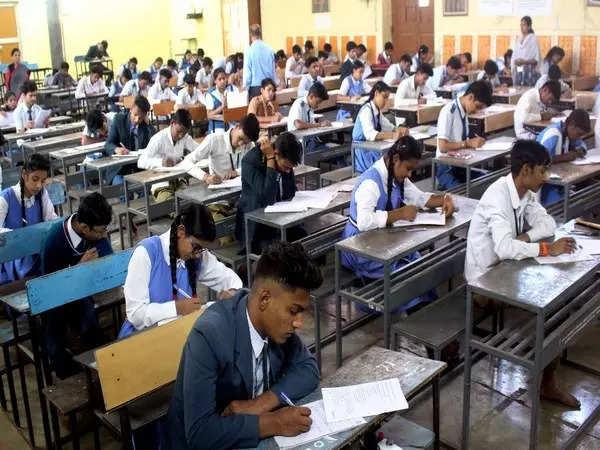
 To download the previous year's question papers for Class X and XII board exams, visit the CBSE Academic website and go to the 'Sample Question Paper' tab. Choose the academic year and select the class (X or XII) for which you want question papers. Then, view the subjects available for the chosen class and click on the download button associated with the subject you need. The question papers are typically available in PDF format, so make sure you have a PDF reader like Adobe, Chrome, or Edge to open the files.