How to track heart rate history on iPhone, Apple watch
How to track heart rate history on iPhone, Apple watch
Apple Watch offers health and fitness features with heart rate tracking. The watch records heart rate in the background during rest and walking. Data is stored on the iPhone for easy sharing with doctors. To check heart rate history on Apple Watch, open the Heart Rate app and scroll down. iPhone users can check heart rate history in the Health app, with options to view different categories and change the data window. Additional heart data such as Cardio Fitness, ECG results, blood pressure readings, and heart rate notifications can also be found in the app.
Apple Watch offers health and fitness features with heart rate tracking. The watch records heart rate in the background during rest and walking. Data is stored on the iPhone for easy sharing with doctors. To check heart rate history on Apple Watch, open the Heart Rate app and scroll down. iPhone users can check heart rate history in the Health app, with options to view different categories and change the data window. Additional heart data such as Cardio Fitness, ECG results, blood pressure readings, and heart rate notifications can also be found in the app.
We use cookies to improve your experience on our site and to show you relevant advertising. To find out more, read our updated privacy policy and cookie policy

 Through RSS Feeds
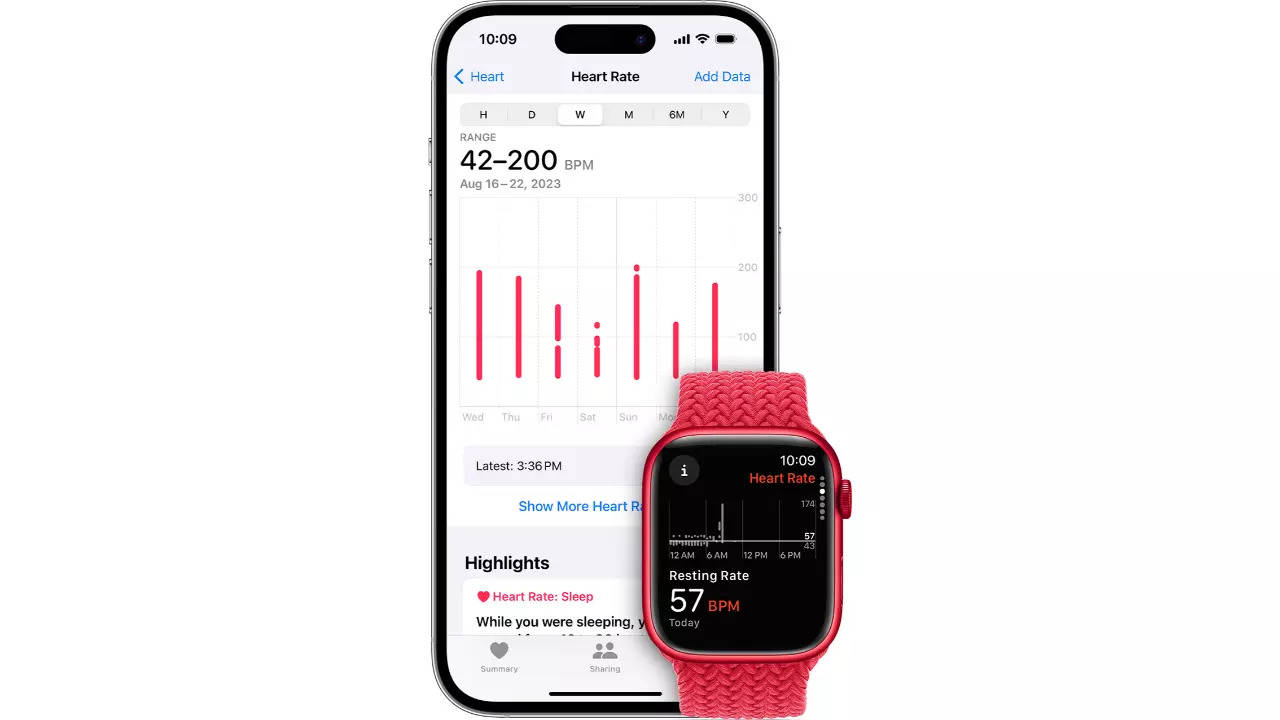
 Apple Watch offers health and fitness features with heart rate tracking. The watch records heart rate in the background during rest and walking. Data is stored on the iPhone for easy sharing with doctors. To check heart rate history on Apple Watch, open the Heart Rate app and scroll down. iPhone users can check heart rate history in the Health app, with options to view different categories and change the data window. Additional heart data such as Cardio Fitness, ECG results, blood pressure readings, and heart rate notifications can also be found in the app.