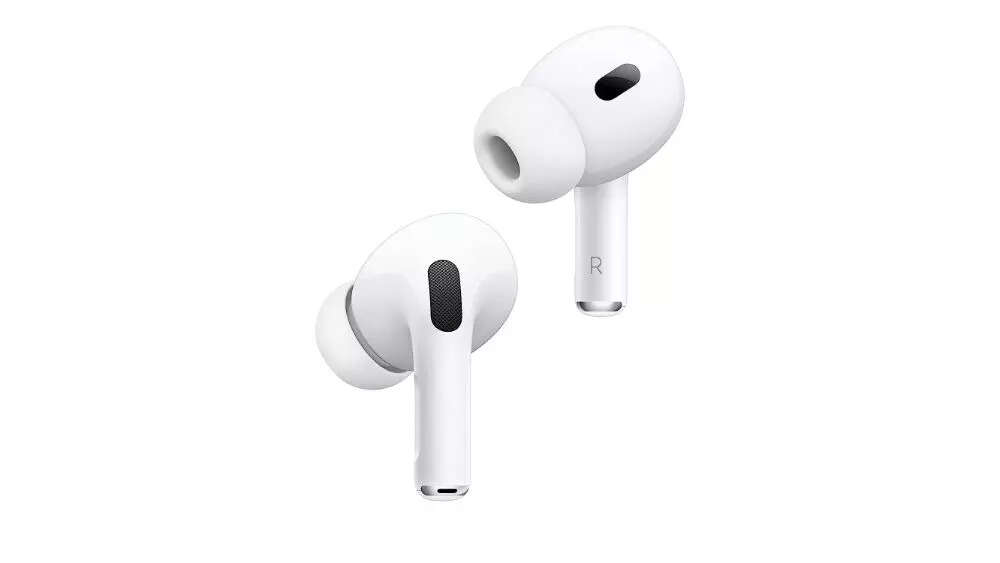
How to make your voice calls sound better and clearer on iPhone
How to make your voice calls sound better and clearer on iPhone
Voice Isolation is a feature introduced with iOS 15 that utilizes machine learning to differentiate between your voice and ambient sounds. It filters out background noise to ensure clear communication. To activate Voice Isolation, swipe down from the top-right corner of the screen to access the Control Center on iPhones running iOS 16.4 or later. iPhones older than the iPhone XR do not support this feature. Voice Isolation improves call quality, reduces distractions, and is particularly useful in noisy environments.
Voice Isolation is a feature introduced with iOS 15 that utilizes machine learning to differentiate between your voice and ambient sounds. It filters out background noise to ensure clear communication. To activate Voice Isolation, swipe down from the top-right corner of the screen to access the Control Center on iPhones running iOS 16.4 or later. iPhones older than the iPhone XR do not support this feature. Voice Isolation improves call quality, reduces distractions, and is particularly useful in noisy environments.
We use cookies to improve your experience on our site and to show you relevant advertising. To find out more, read our updated privacy policy and cookie policy

 Through RSS Feeds

 Voice Isolation is a feature introduced with iOS 15 that utilizes machine learning to differentiate between your voice and ambient sounds. It filters out background noise to ensure clear communication. To activate Voice Isolation, swipe down from the top-right corner of the screen to access the Control Center on iPhones running iOS 16.4 or later. iPhones older than the iPhone XR do not support this feature. Voice Isolation improves call quality, reduces distractions, and is particularly useful in noisy environments.