How to filter WhatsApp chatlist for unread messages
How to filter WhatsApp chatlist for unread messages
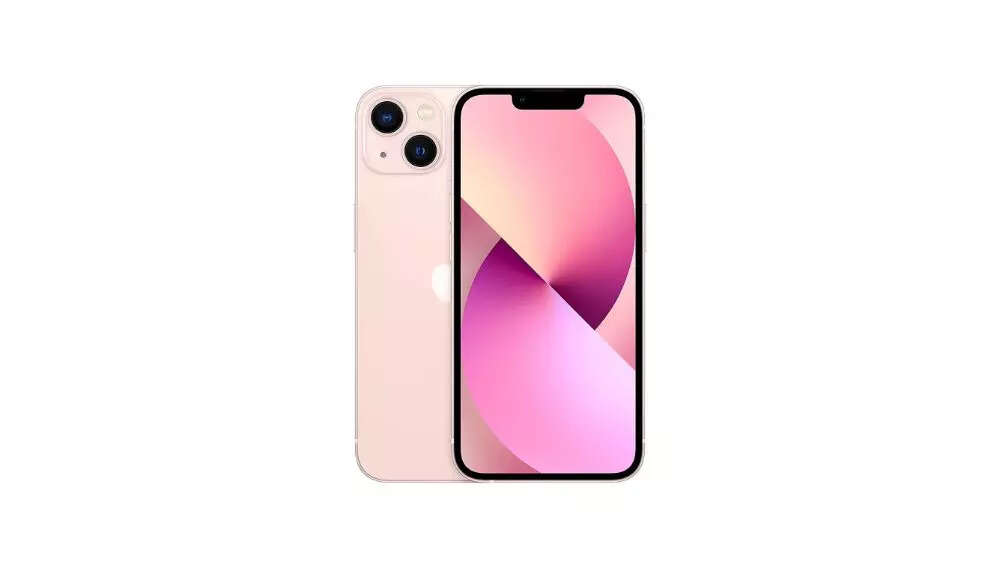
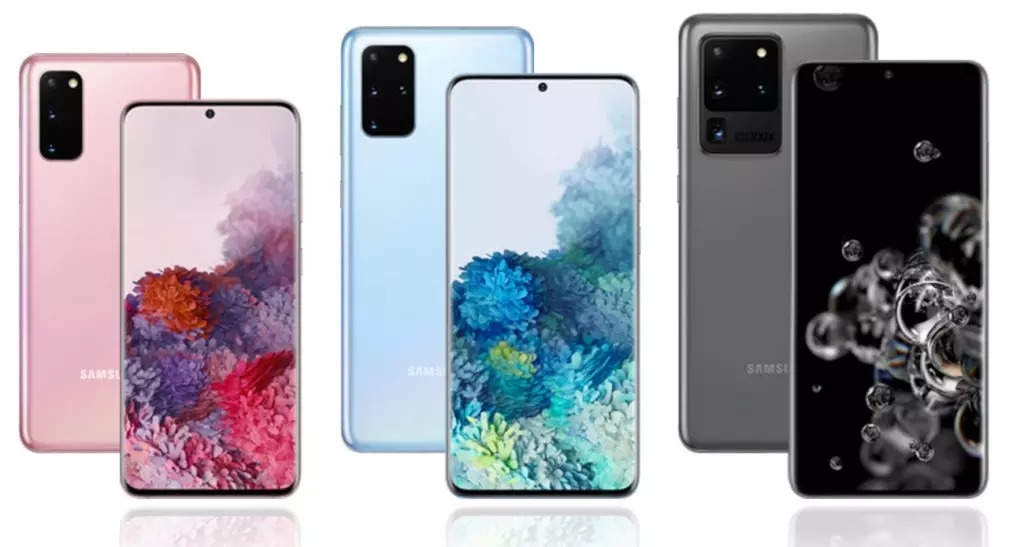
WhatsApp introduces a chatlist unread filter feature that simplifies managing and responding to unread messages. iPhone users can access the filter by scrolling down in the chatlist and tapping the filter icon. Android users can do the same by selecting the "Unread" option in the search bar. WhatsApp Web and Desktop users can access the filter by clicking the icon next to the search bar. However, this feature is not available on WhatsApp Business for iPhone.
WhatsApp introduces a chatlist unread filter feature that simplifies managing and responding to unread messages. iPhone users can access the filter by scrolling down in the chatlist and tapping the filter icon. Android users can do the same by selecting the "Unread" option in the search bar. WhatsApp Web and Desktop users can access the filter by clicking the icon next to the search bar. However, this feature is not available on WhatsApp Business for iPhone.
We use cookies to improve your experience on our site and to show you relevant advertising. To find out more, read our updated privacy policy and cookie policy

 Through RSS Feeds
 WhatsApp introduces a chatlist unread filter feature that simplifies managing and responding to unread messages. iPhone users can access the filter by scrolling down in the chatlist and tapping the filter icon. Android users can do the same by selecting the "Unread" option in the search bar. WhatsApp Web and Desktop users can access the filter by clicking the icon next to the search bar. However, this feature is not available on WhatsApp Business for iPhone.