How to edit videos and apply effects in Google Photos
How to edit videos and apply effects in Google Photos
Google Photos, the default gallery app for Android, offers more than just gallery features. It provides cloud backup, editing tools, and video effects. To add video effects, open Google Photos, select a video, tap Edit, choose Effects, and select an effect. The saved videos can be found in Google Photos. Other video editing apps with effects can be downloaded from Google Play Store or Apple App Store.
Google Photos, the default gallery app for Android, offers more than just gallery features. It provides cloud backup, editing tools, and video effects. To add video effects, open Google Photos, select a video, tap Edit, choose Effects, and select an effect. The saved videos can be found in Google Photos. Other video editing apps with effects can be downloaded from Google Play Store or Apple App Store.
We use cookies to improve your experience on our site and to show you relevant advertising. To find out more, read our updated privacy policy and cookie policy

 Through RSS Feeds
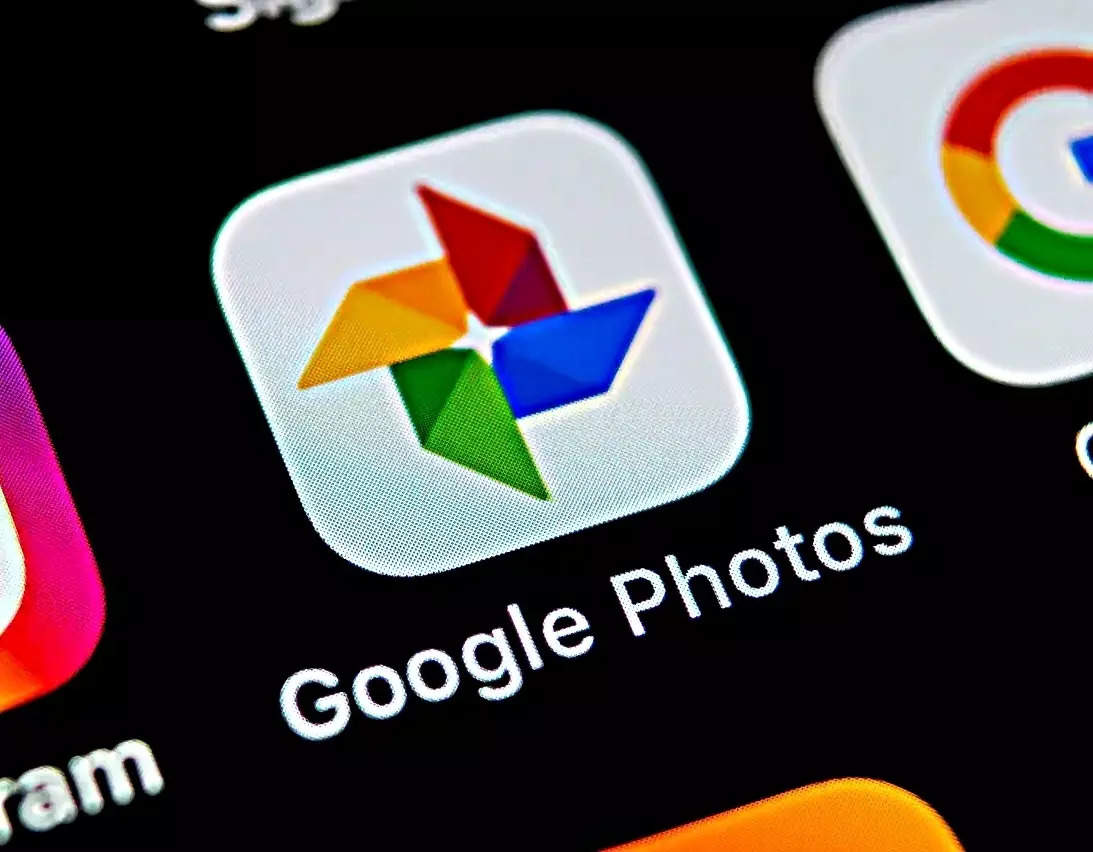
 Google Photos, the default gallery app for Android, offers more than just gallery features. It provides cloud backup, editing tools, and video effects. To add video effects, open Google Photos, select a video, tap Edit, choose Effects, and select an effect. The saved videos can be found in Google Photos. Other video editing apps with effects can be downloaded from Google Play Store or Apple App Store.