This guide explains how to archive conversations in Google Messages on your Android device. Open the Google Messages app and access the list of conversations. Select the conversation you want to archive and tap the archive icon. The conversation will disappear from the main chat list and can be found in the 'Archived' section. To view archived conversations, open the main menu and select 'Archived'. You can also unarchive conversations by opening the conversation and selecting the 'Unarchive' option.
This guide explains how to archive conversations in Google Messages on your Android device. Open the Google Messages app and access the list of conversations. Select the conversation you want to archive and tap the archive icon. The conversation will disappear from the main chat list and can be found in the 'Archived' section. To view archived conversations, open the main menu and select 'Archived'. You can also unarchive conversations by opening the conversation and selecting the 'Unarchive' option.
We use cookies to improve your experience on our site and to show you relevant advertising. To find out more, read our updated privacy policy and cookie policy

 Through RSS Feeds
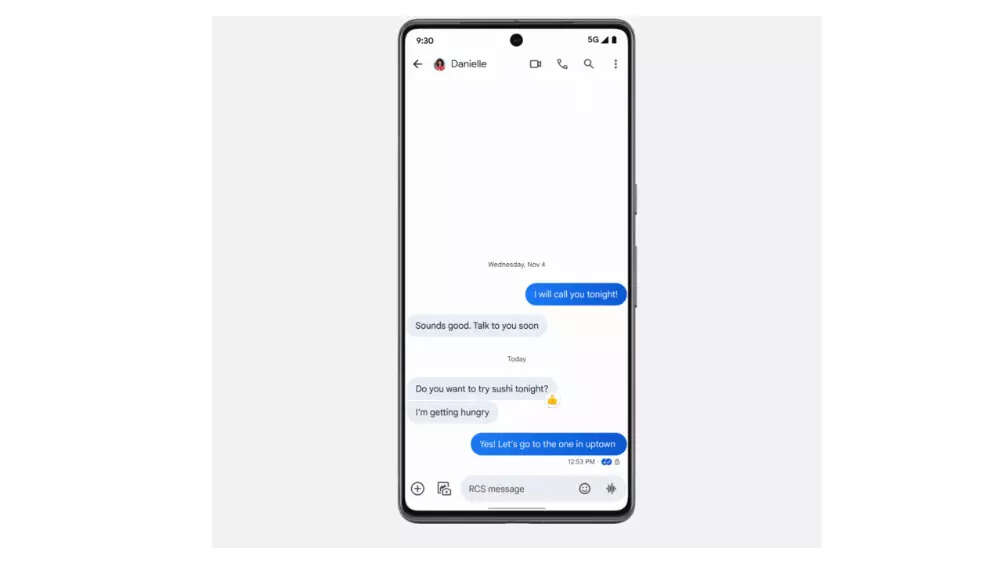
 This guide explains how to archive conversations in Google Messages on your Android device. Open the Google Messages app and access the list of conversations. Select the conversation you want to archive and tap the archive icon. The conversation will disappear from the main chat list and can be found in the 'Archived' section. To view archived conversations, open the main menu and select 'Archived'. You can also unarchive conversations by opening the conversation and selecting the 'Unarchive' option.