How to add a missing road, cafe or a location in Google Maps
How to add a missing road, cafe or a location in Google Maps
Follow these step-by-step instructions to ensure your favorite spots are accurately represented on Google Maps. On Computer: Open Google Maps and search for the address. Click 'Add a Missing Place' and provide the required details. Submit the information to add the missing place. On Android: Open the Google Maps app and search for the address. Tap 'Add a Missing Place' and fill in the necessary information. Submit the details to officially add the place to Google Maps.
Follow these step-by-step instructions to ensure your favorite spots are accurately represented on Google Maps. On Computer: Open Google Maps and search for the address. Click 'Add a Missing Place' and provide the required details. Submit the information to add the missing place. On Android: Open the Google Maps app and search for the address. Tap 'Add a Missing Place' and fill in the necessary information. Submit the details to officially add the place to Google Maps.
We use cookies to improve your experience on our site and to show you relevant advertising. To find out more, read our updated privacy policy and cookie policy

 Through RSS Feeds
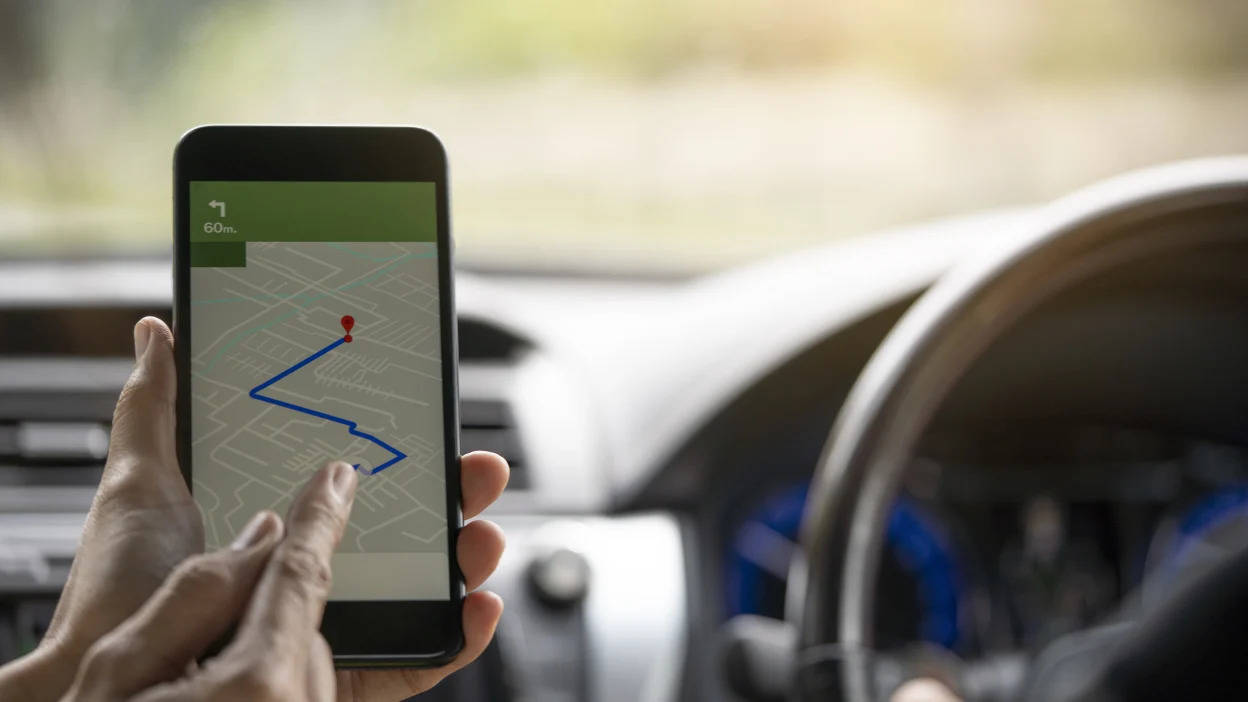
 Follow these step-by-step instructions to ensure your favorite spots are accurately represented on Google Maps. On Computer: Open Google Maps and search for the address. Click 'Add a Missing Place' and provide the required details. Submit the information to add the missing place. On Android: Open the Google Maps app and search for the address. Tap 'Add a Missing Place' and fill in the necessary information. Submit the details to officially add the place to Google Maps.