Gmail for Android tablets gets this new design change, here’s how it makes it easier to use the app
Gmail for Android tablets gets this new design change, here’s how it makes it easier to use the app
Google updates Gmail app for tablets with new left-side navigation rail; the rail was previously at the bottom, but has now been moved to the left side of the app; the change improves user experience on big-screen devices like tablets and foldables; the updated app also includes functionality icons for Gmail, Chats, Spaces, and Meet video calls; the rollout of the updated Gmail app for Android tablets is gradual and may take a couple of weeks to reach all users.
Google updates Gmail app for tablets with new left-side navigation rail; the rail was previously at the bottom, but has now been moved to the left side of the app; the change improves user experience on big-screen devices like tablets and foldables; the updated app also includes functionality icons for Gmail, Chats, Spaces, and Meet video calls; the rollout of the updated Gmail app for Android tablets is gradual and may take a couple of weeks to reach all users.
We use cookies to improve your experience on our site and to show you relevant advertising. To find out more, read our updated privacy policy and cookie policy

 Through RSS Feeds
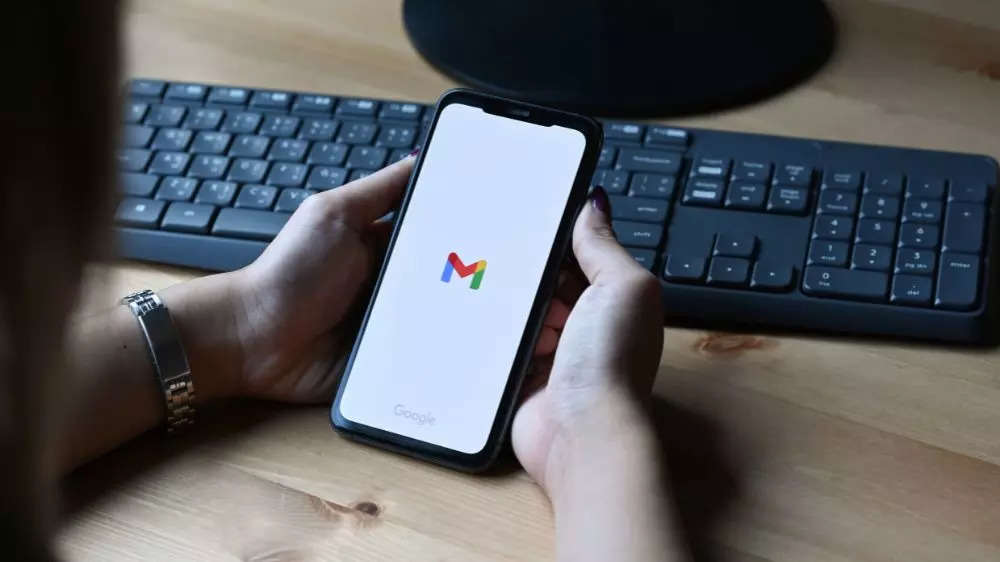
 Google updates Gmail app for tablets with new left-side navigation rail; the rail was previously at the bottom, but has now been moved to the left side of the app; the change improves user experience on big-screen devices like tablets and foldables; the updated app also includes functionality icons for Gmail, Chats, Spaces, and Meet video calls; the rollout of the updated Gmail app for Android tablets is gradual and may take a couple of weeks to reach all users.