Forgot your iPhone passcode, here’s how to access your iPhone without resetting the phone
Forgot your iPhone passcode, here’s how to access your iPhone without resetting the phone
Apple makes it difficult to access iPhones without the passcode, leaving users locked out. iOS 17 update introduces a passcode reset option for users who changed their passcode within 72 hours and remember the previous one. To reset the passcode, go to Settings → Face ID & Passcode → Expire Previous Passcode Now → Expire Now. However, after the 72 hour window, the old method of resetting the entire iPhone is still applicable.
Apple makes it difficult to access iPhones without the passcode, leaving users locked out. iOS 17 update introduces a passcode reset option for users who changed their passcode within 72 hours and remember the previous one. To reset the passcode, go to Settings → Face ID & Passcode → Expire Previous Passcode Now → Expire Now. However, after the 72 hour window, the old method of resetting the entire iPhone is still applicable.
We use cookies to improve your experience on our site and to show you relevant advertising. To find out more, read our updated privacy policy and cookie policy

 Through RSS Feeds
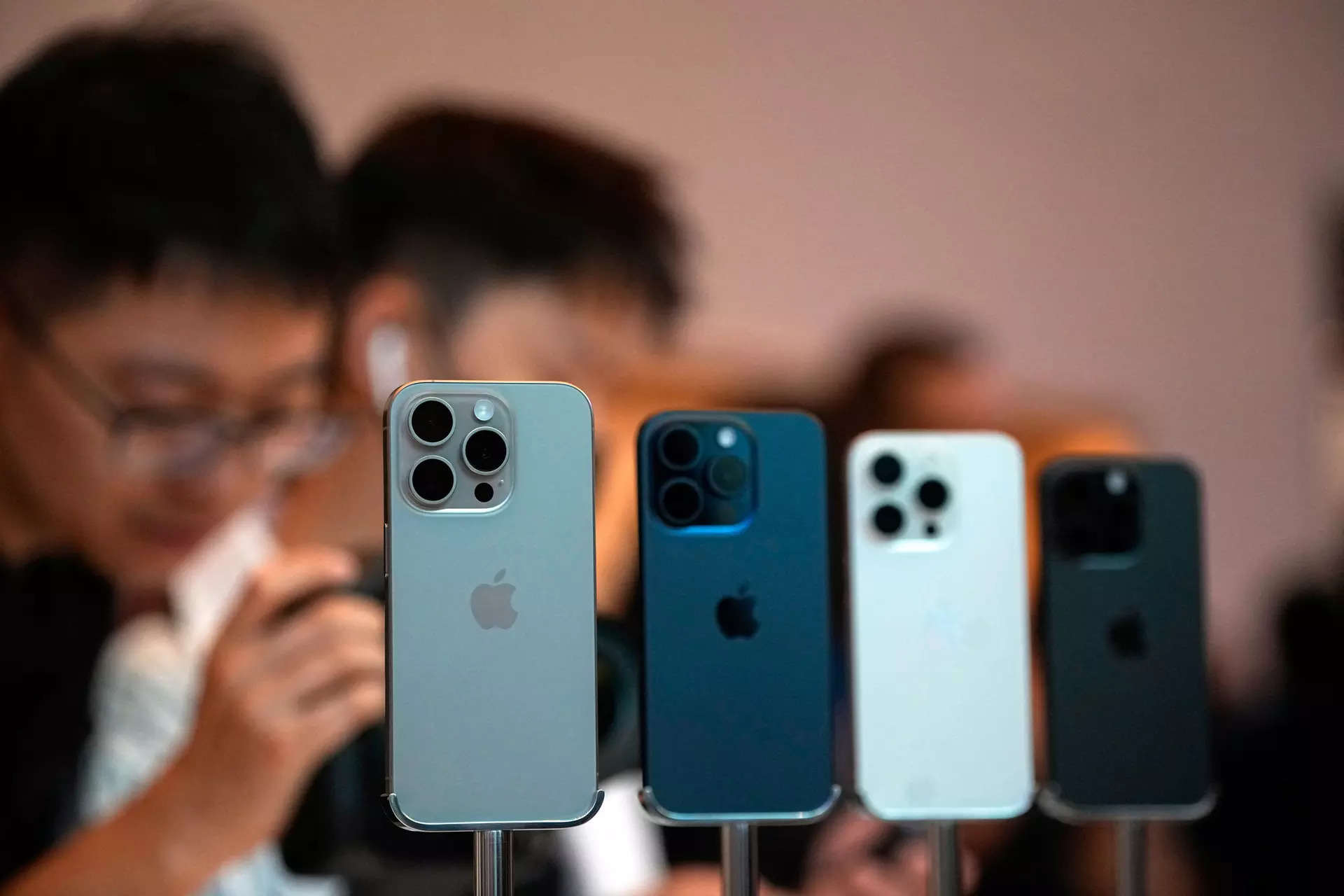
 Apple makes it difficult to access iPhones without the passcode, leaving users locked out. iOS 17 update introduces a passcode reset option for users who changed their passcode within 72 hours and remember the previous one. To reset the passcode, go to Settings → Face ID & Passcode → Expire Previous Passcode Now → Expire Now. However, after the 72 hour window, the old method of resetting the entire iPhone is still applicable.